Stamp Scanner
Point Your Camera, Know Your Stamp
StampSnap turns your iPhone into a stamp scanner. Take a photo of any postage stamp and review a likely match: the country, the year of issue, rarity context and what it may be worth. No special equipment is required.
What Does a Stamp Scanner App Do?
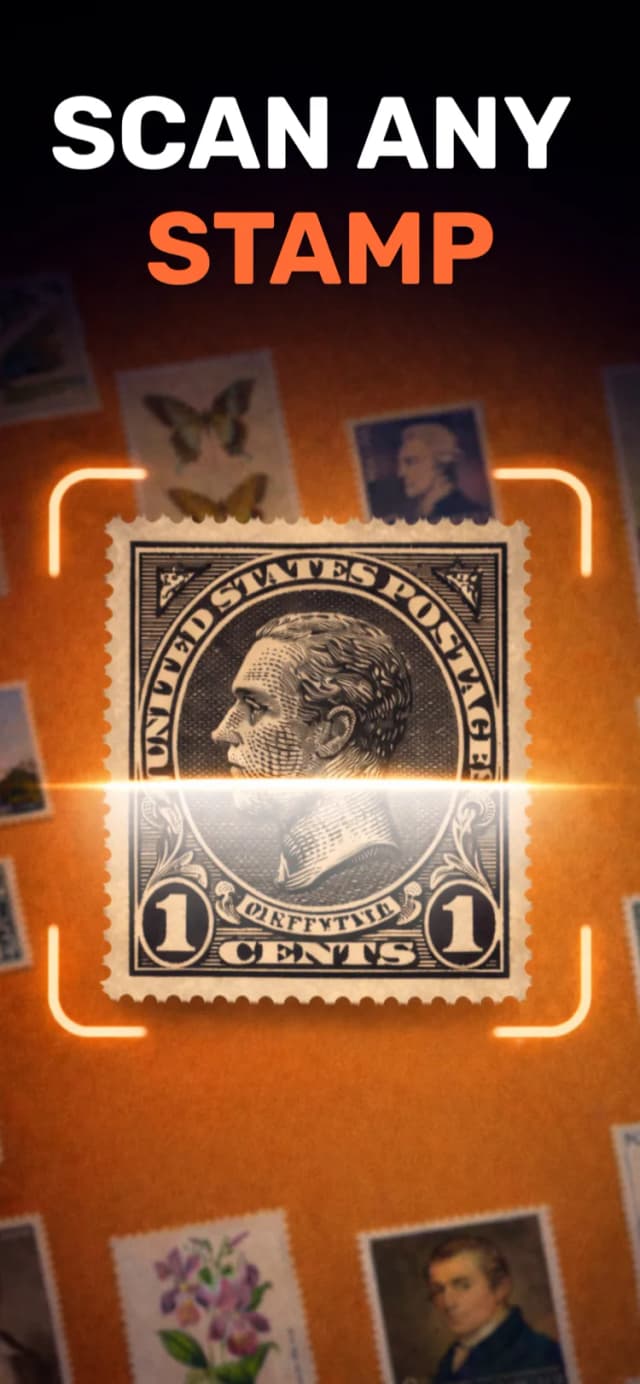
A stamp scanner app uses your phone camera and image recognition to identify postage stamps. Instead of leafing through catalogs or comparing your stamp to hundreds of pictures online, you photograph the stamp and the app matches its design, colors, text, and denomination to tell you what you are holding.
It helps to know what "scanning a stamp" can mean, because people search for two different things. Some collectors want a flatbed scanner to make high resolution archive images of their stamps. That is a hardware task, and any document scanner can do it. Most people, however, want the second thing: an app that scans a stamp and answers the questions "what is this stamp?" and "is it worth anything?". That is what StampSnap does, using only the camera already in your pocket.
This matters most when you are facing an unfamiliar pile of stamps: an inherited album, a box from a flea market, or a foreign stamp with lettering you cannot read. A camera-based scanner turns each of those mysteries into a concrete answer in seconds. If your stamps look particularly old, our guide to identifying old stamps walks through that situation step by step.
How Scanning Works in StampSnap
From camera to identification in a few seconds. Here is the whole flow.
Photograph or Upload
Scan the stamp live with your camera, or pick an existing picture from your photo library. Loose stamps, stamps on envelopes, and stamps in album pages all work.
AI Identifies the Stamp
Image recognition analyzes the design, inscriptions, and denomination to work out which stamp it is, even for foreign issues you cannot read yourself.
Get the Full Picture
You see the country of origin, year of issue, design details, rarity level, and an estimated value range. The result is saved to your scan history.
From mystery to answer in seconds
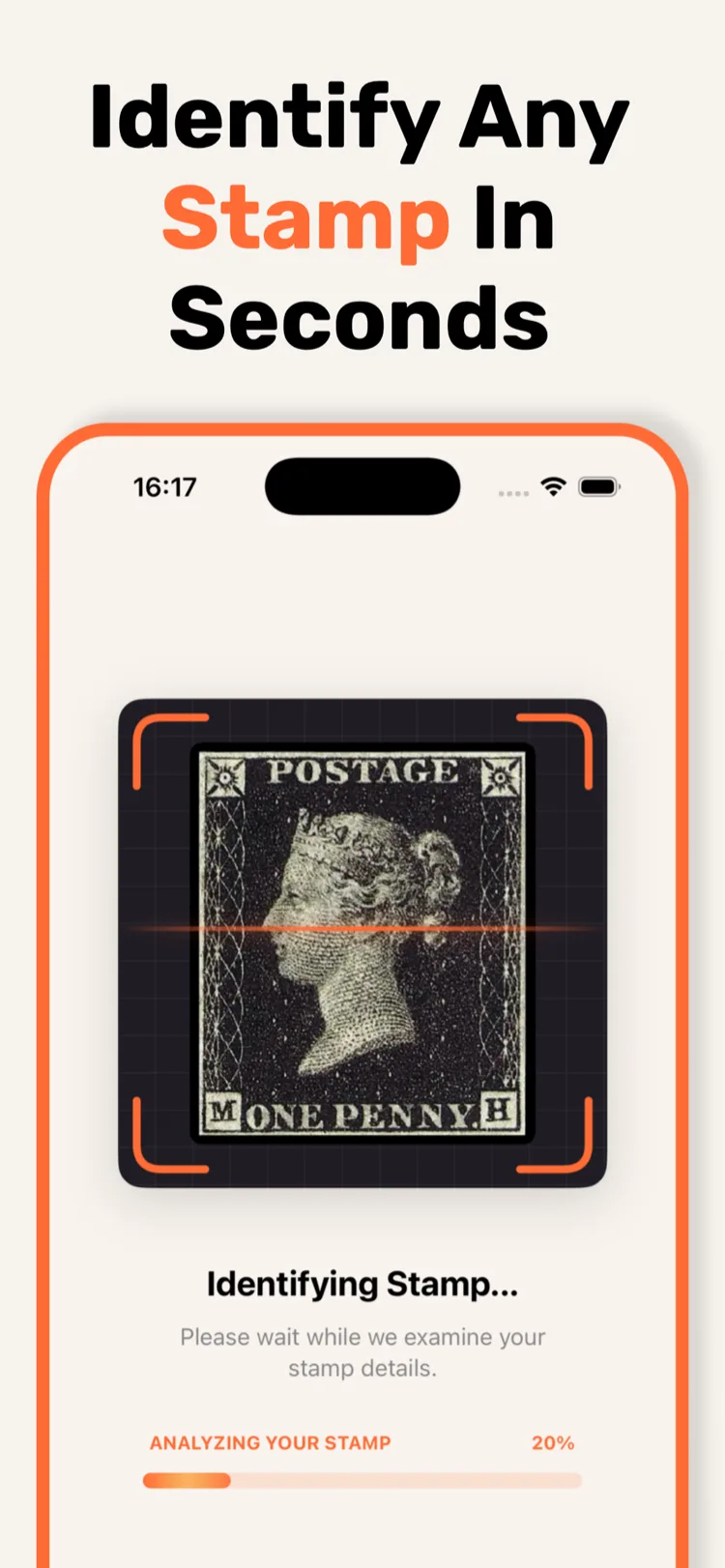
In the example on the left, the scanner recognizes an 1840 Penny Black, the world's first adhesive postage stamp. You get the identification plus context: when it was issued, how rare it is, and roughly what it trades for.
Curious mainly about prices? Our stamp value scanner page goes deeper into how the value estimates work and what drives a stamp's worth.
Tips for the Best Scan Results
The scanner is forgiving, but a good photo gives the most reliable identification. Five small habits make a big difference.
Use good, even lighting
Daylight near a window works best. Avoid harsh direct light and shadows falling across the stamp, and turn off the flash to prevent glare on glossy paper.
Hold the phone flat
Photograph the stamp straight from above, not at an angle. A flat, square-on shot keeps the design and lettering undistorted, which helps recognition.
Fill the frame
Move close enough that the stamp takes up most of the picture. The more detail the camera captures, the easier it is to tell similar issues apart.
Use a plain background
Place the stamp on a plain, contrasting surface such as a white sheet of paper. A busy background makes it harder to isolate the stamp.
Album pages are fine
You do not need to remove stamps from albums or stock books. Scanning through a clear sleeve works, as long as you angle the page to avoid reflections.
No camera moment? Upload later
Photos taken earlier work just as well. Snap a whole album visit at your relatives, then scan the pictures from your library at home.
What Happens After You Scan
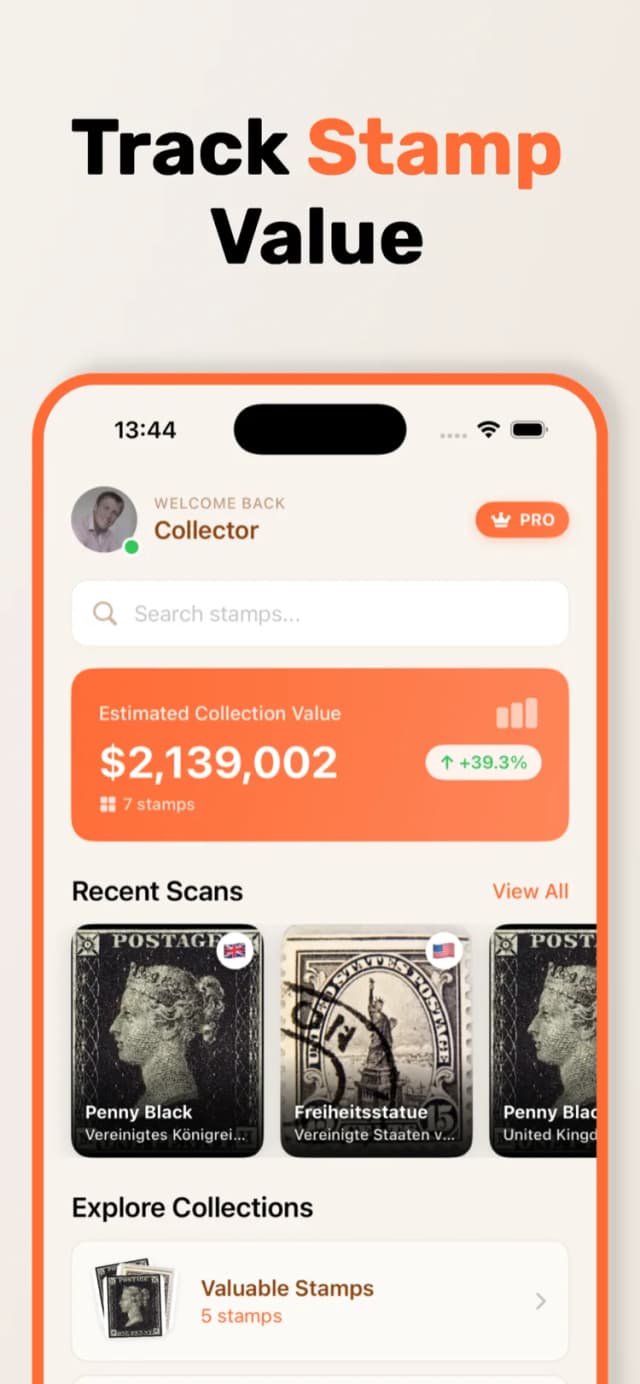
A stamp scanner is most useful when it does more than one-off lookups. Every scan in StampSnap builds toward a digital catalog of your physical collection.
Automatic scan history
Every stamp you scan is saved to your personal history, so you can revisit any identification without scanning again.
Custom digital albums
Organize scanned stamps into your own albums, for example by country, era, or theme, and see the total value per album.
Collection value tracking
The app adds up estimated values across your collection and lets you record the price you paid for each stamp.
Sort and filter
Browse your collection by country, year, and value to find specific stamps or spot your most valuable pieces quickly.
Who Is a Stamp Scanner For?
You do not need to be a philatelist to get value out of scanning stamps. Many people reach for a stamp scanner exactly once: they inherited an album and want to know whether anything in it is special before deciding what to do with it. Scanning the collection stamp by stamp gives you an honest overview in an afternoon, and flags any candidates worth a closer look at our rare stamp identification guide.
For active collectors, the scanner becomes a daily tool. It settles "which printing is this?" questions at fairs, catalogs new purchases the moment they arrive, and keeps a running estimate of what the whole collection is worth. And because it recognizes worldwide issues, it removes the language barrier that makes foreign stamps hard to research by hand. If you want the broader basics first, start with our overview on how to identify stamps.
Stamp Scanner FAQ
Can I scan stamps from a photo instead of the camera?
Yes. Besides scanning live with the camera, you can upload any picture from your photo library. This is useful for stamps someone sent you, photos of an inherited collection, or images saved from an online listing.
Does the stamp scanner work for foreign stamps?
Yes. StampSnap works with stamps from around the world, including issues where you cannot read the country name or the script. The app recognizes the design itself, so you do not need to know the language or origin beforehand. The app interface is available in 16 languages.
Do I need special equipment or a flatbed scanner?
No. Your iPhone camera is all you need. There is no extra hardware, no lens attachment, and no desktop scanner involved. Good lighting and a steady hand matter far more than equipment.
Do I have to take stamps out of my album to scan them?
No. You can scan stamps while they sit in album pages, stock books, or protective sleeves. Just tilt the page slightly if you see glare from the plastic, and make sure the stamp is sharp and well lit.
Is the stamp scanner app free?
StampSnap is free to download on the App Store, and a premium subscription is required for full features. The app is rated 4.5 stars and works on iPhone. You can read more on our free stamp identifier page.